Product Deep Dive
The AI that works your queue — not just reads it.
How Replyglint classifies incoming tickets, applies confidence thresholds to decide when to resolve autonomously, and builds a structured handoff card for everything that needs a human. If you're a VP Support or Support Ops lead evaluating AI for your queue, this is the detail you're looking for.
Resolution Engine
Pattern classification with adjustable confidence thresholds.
Every incoming ticket is classified against your playbook definitions. Replyglint assigns a confidence score — if it clears your threshold (default 80%, adjustable per category), it resolves and closes autonomously. Below threshold, it builds a handoff card instead of guessing. You set where the line is; Replyglint doesn't cross it.
-
Configurable confidence thresholdsSet per-playbook or globally. High-stakes categories (billing disputes) can use tighter thresholds than informational queries (shipping status).
-
Playbook definitions you controlWrite resolution rules in plain language. Replyglint matches intent, not keywords — so "where is my package," "WISMO," and "order hasn't arrived" all route to the same playbook. No synonym lists to maintain.
-
Resolution rate analyticsTrack auto-resolution rate by category, CSAT on AI-resolved tickets, threshold hit/miss rate, and escalation frequency. Use the data to tune playbooks or tighten thresholds on high-stakes categories like billing disputes.
Handoff Protocol
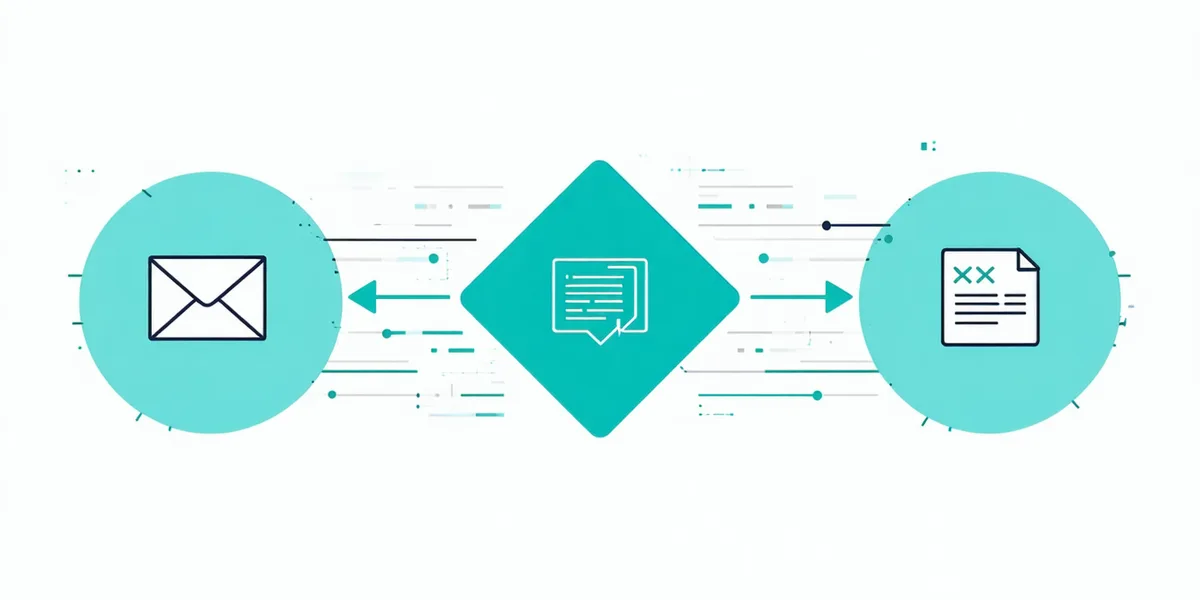
The handoff card: everything your agent needs, assembled in seconds.
When Replyglint can't resolve autonomously, it doesn't just forward the ticket. It builds a structured context card — customer order history, the full conversation transcript, every resolution step attempted with its confidence score, and a suggested path forward with the relevant playbook reference. Your agent reads one card, not a conversation thread.
This is the part most AI support tools skip. Deflecting a ticket to a human with no context just shifts the work — it doesn't reduce average handle time.
Helpdesk Connectivity
Bidirectional sync with your existing helpdesk.
Replyglint doesn't replace your helpdesk — it works inside it. All ticket states, comments, tags, and closures write back to Zendesk, Freshdesk, Intercom, or Gorgias in real time. Your helpdesk stays the system of record. Your agents never leave the tool they know.
Data & Privacy
Your customers' data stays yours.
Replyglint reads ticket content to classify and resolve — that's the scope. No customer data is used to train models. Ticket content is retained for 90 days then purged. Your playbook definitions are proprietary to your account and not shared across customers.
Full security overview →See what your queue looks like on day 31.
Connect your helpdesk in 2 hours. 14-day free trial, no credit card required. Cancel any time.